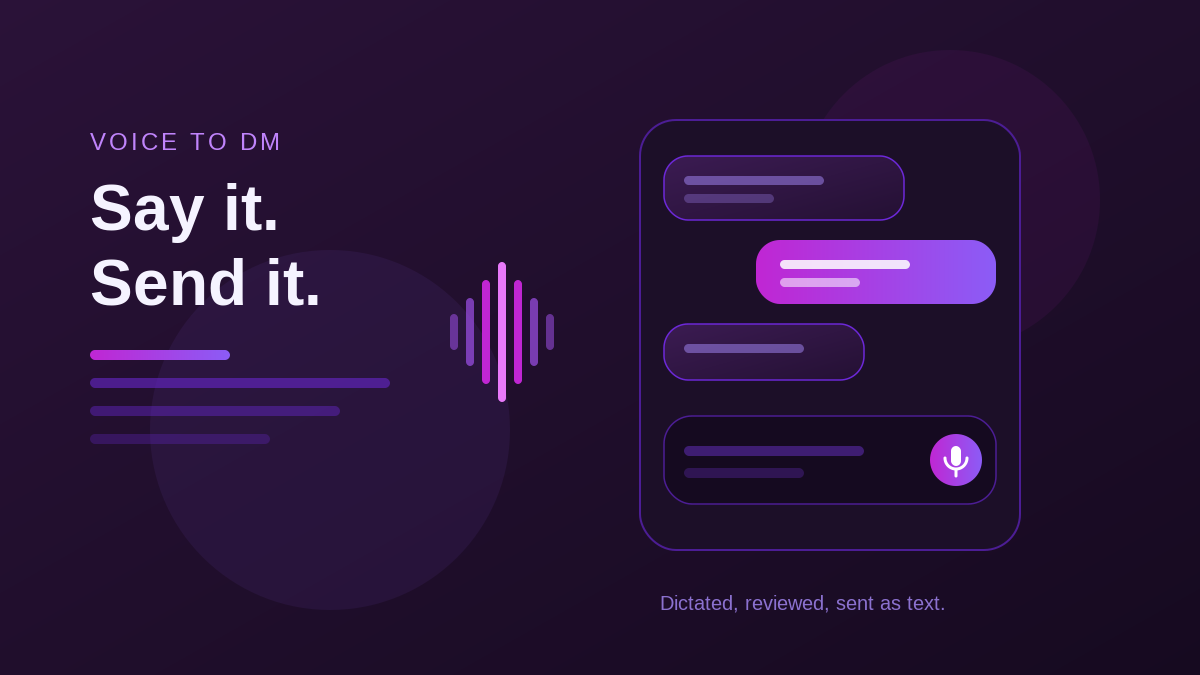
You can dictate an Instagram DM on Android with your keyboard microphone. Open a conversation, tap the message field, and start voice typing from the keyboard. The reply goes out as ordinary text: readable at a glance, quotable, and searchable later.
Tap the message field and bring up the keyboard
- Open Instagram and go to the conversation you want to write in. In the app, your messages are behind the messages icon at the top of your feed.
- Tap the message field at the bottom so your Android keyboard appears.
- Start the keyboard microphone. On Gboard, Google says to tap the microphone at the top of the keyboard and speak when "Speak now" appears. On EkkoBoard, use tap to talk or hold to talk.
- Dictate a sentence or two, then stop and read the result before you send.
Instagram's own voice option is different
Instagram has a built-in voice message feature, and it is not dictation. A voice message sends your voice as an audio recording: press and hold the microphone icon in the message field, and the recording sends when you release. While you are still holding, you can slide toward the trash to cancel instead. When voice messaging arrived in 2018, recordings were capped at one minute, and a later reported update brought longer clips and a "View transcription" option on voice messages you receive. Transcription availability varies by account and app version and can change. Keyboard dictation is the reverse direction: your words become text before sending, nothing is recorded, and the person on the other end can read your reply without headphones.
Clean up a dictated draft before you send it
If a spoken reply comes out long or rambling, you do not have to rewrite it by hand. EkkoBoard offers dictation, AI generation and AI edits from the Android keyboard, and all three are free and unlimited. Select the draft and ask for it to be shortened or made clearer, then check it still says what you meant. Our guide to editing text with your voice on Android covers the flow, and writing professional messages with AI covers tone.
If the microphone does not appear
Tap the message field itself, not the chat header or a reply preview. Then check which keyboard is active. If that keyboard's microphone is missing or unresponsive, our voice typing troubleshooting guide covers the checks for the keyboard and its microphone access. For dictating in other chat apps, see how to voice type a Telegram message on Android and how to voice type a WhatsApp message on Android.