ekkoboard docs
Show symbol hints on the keyboard keys
Turn on long-press hints and choose Symbols as a hint source so punctuation appears in the corners of your keys.
22-second silent walkthrough recorded in EkkoBoard Settings. Download the video when it finishes loading.
Turn on symbol hints
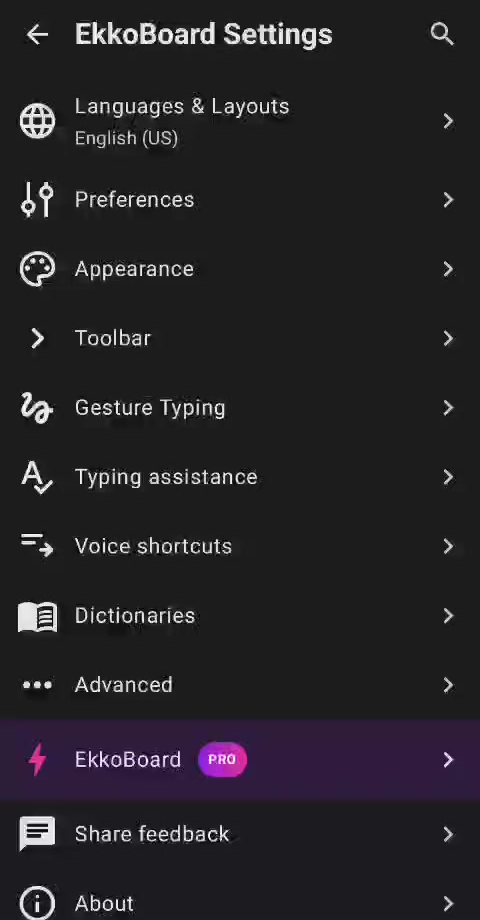
- Open EkkoBoard Settings.
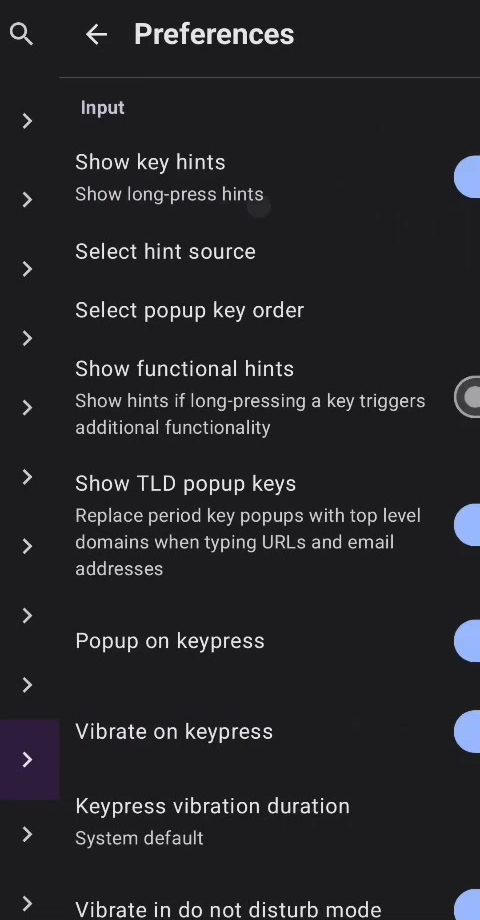
- Tap Preferences.
- In the Input section, turn on Show key hints. Its subtitle is Show long-press hints.
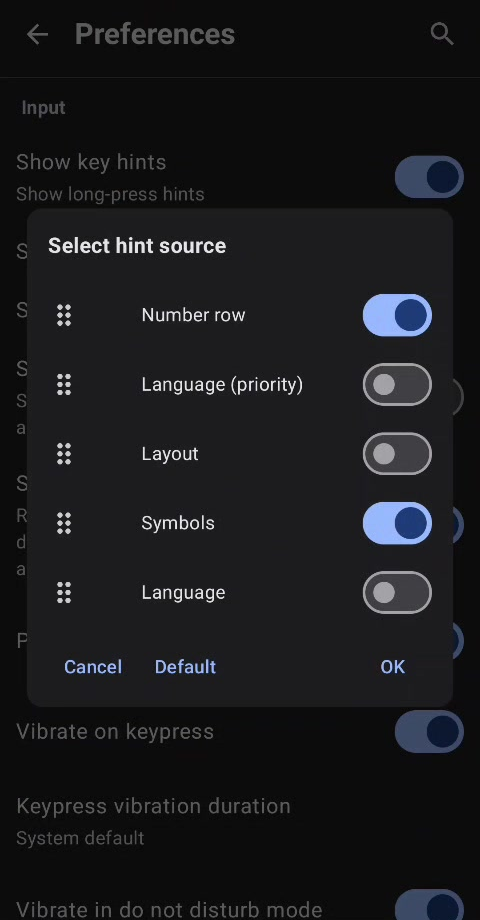
- Tap Select hint source.
- Turn on Symbols, then tap OK. Leave Number row on as well if you want number hints along the top row.
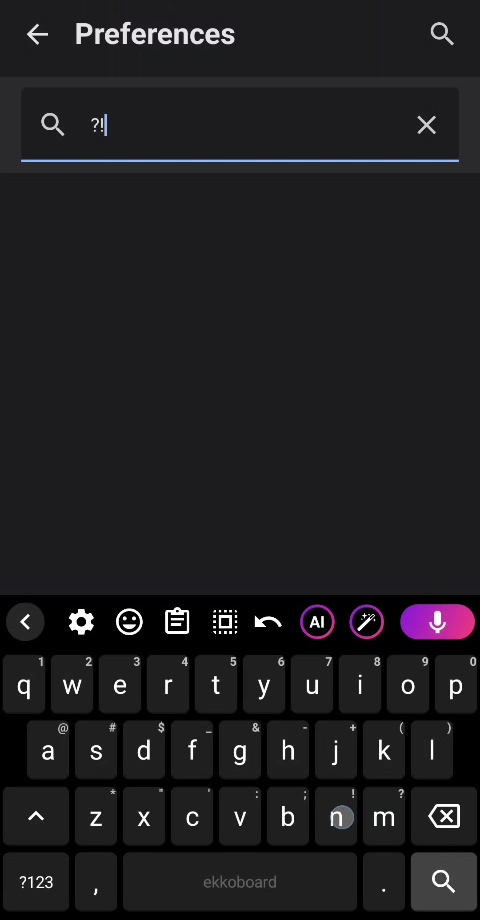
Return to any text field. The available symbols appear in the corners of the keys; long-press a key to type its shown symbol.
Screenshots
If the hints do not appear, check that both Show key hints and Symbols are on, then close and reopen the keyboard.