ekkoboard docs
Add diacritics to your keyboard
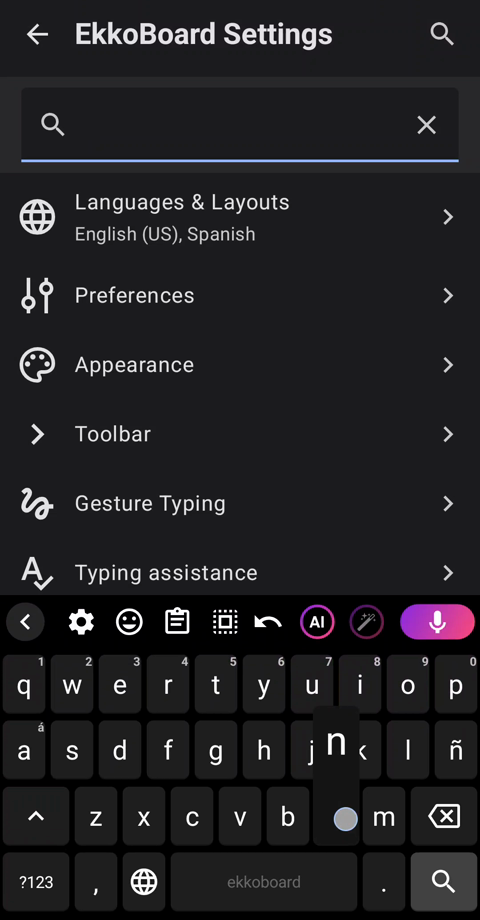
Make sure long-press hints are enabled and choose Language (priority) as a hint source so diacritics like á and ñ appear in the corners of your keys.
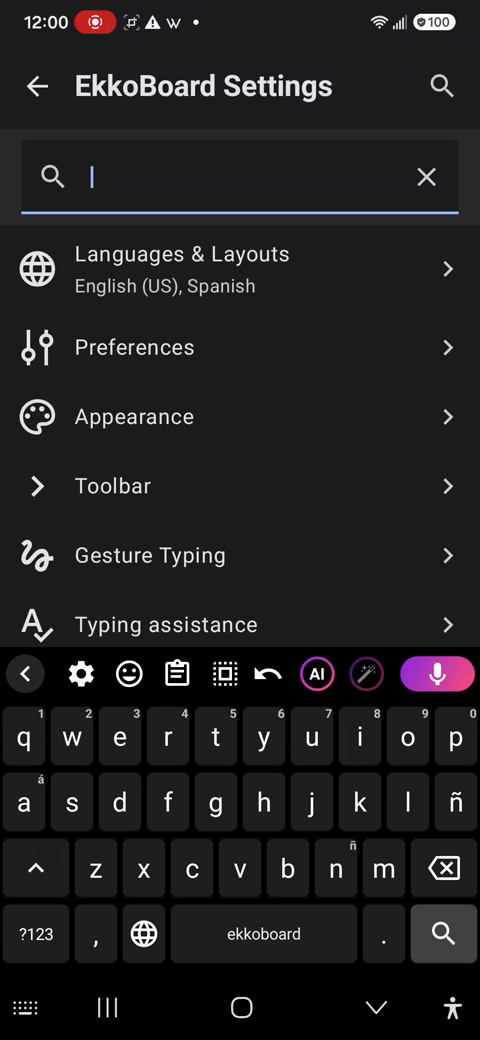
19-second silent walkthrough recorded in EkkoBoard Settings. Download the video when it finishes loading.
Add diacritics
- Open EkkoBoard Settings.
- Tap Preferences.
- In the Input section, make sure Show key hints is enabled.
- Underneath it, tap Select hint source.
- Turn on Language (priority), then tap OK.
Return to any text field. Diacritics such as á and ñ appear in the corners of the keys; long-press a key and slide to its diacritic to type it.
Walkthrough screenshots
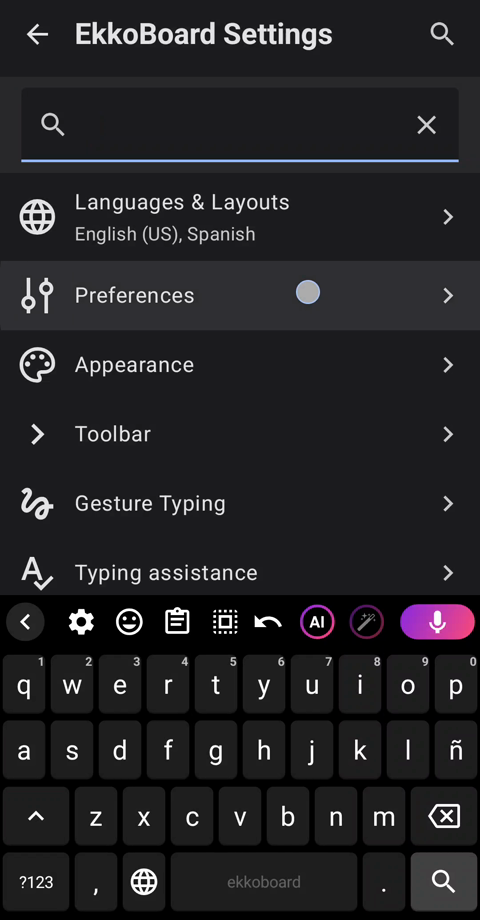
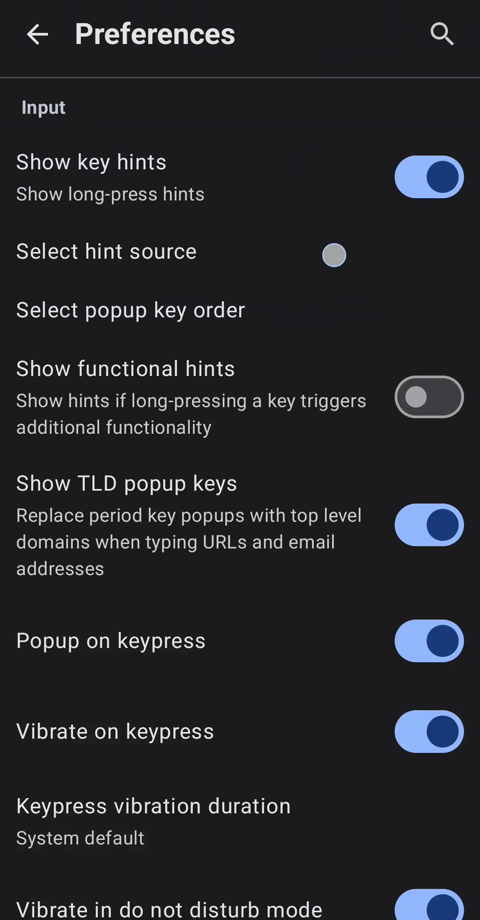
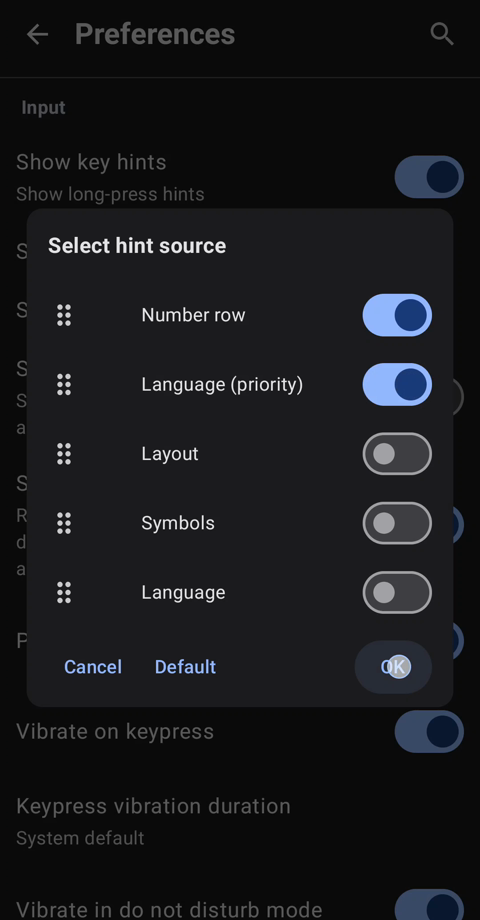
If the diacritics do not appear, check that both Show key hints and Language (priority) are on, then close and reopen the keyboard.